You don’t get paid for “traffic.” You get paid for tracked, attributed conversions. This guide shows you the exact software stack that connects a click to a payout — what each tool does, what you actually need first, and what can wait until you’re scaling.

The short answer
Every affiliate needs three things: a way to track clicks, a way to manage links, and a way to read the numbers. Start with one tracker — RedTrack is the tracker we cover in depth in our full RedTrack review — connect it to your network with a postback, and you will already be ahead of affiliates guessing from network screenshots alone.
Visit RedTrack →RedTrack coupon on this page
Use this code exactly as shown when you sign up. We are not promising a discount percentage — enter the code and let RedTrack show you what it applies at checkout.
09818fe6b58f301726a4-forRTThe 6 software categories — in plain English
Plus, in the comparison table below, the network itself as a seventh row — because without an offer and a payout, the other six have nothing to track.
“Affiliate marketing software” is not one product. It’s a small toolbox. Buying everything at once is the fastest way to burn budget and learn nothing. Learn what each category is for first.
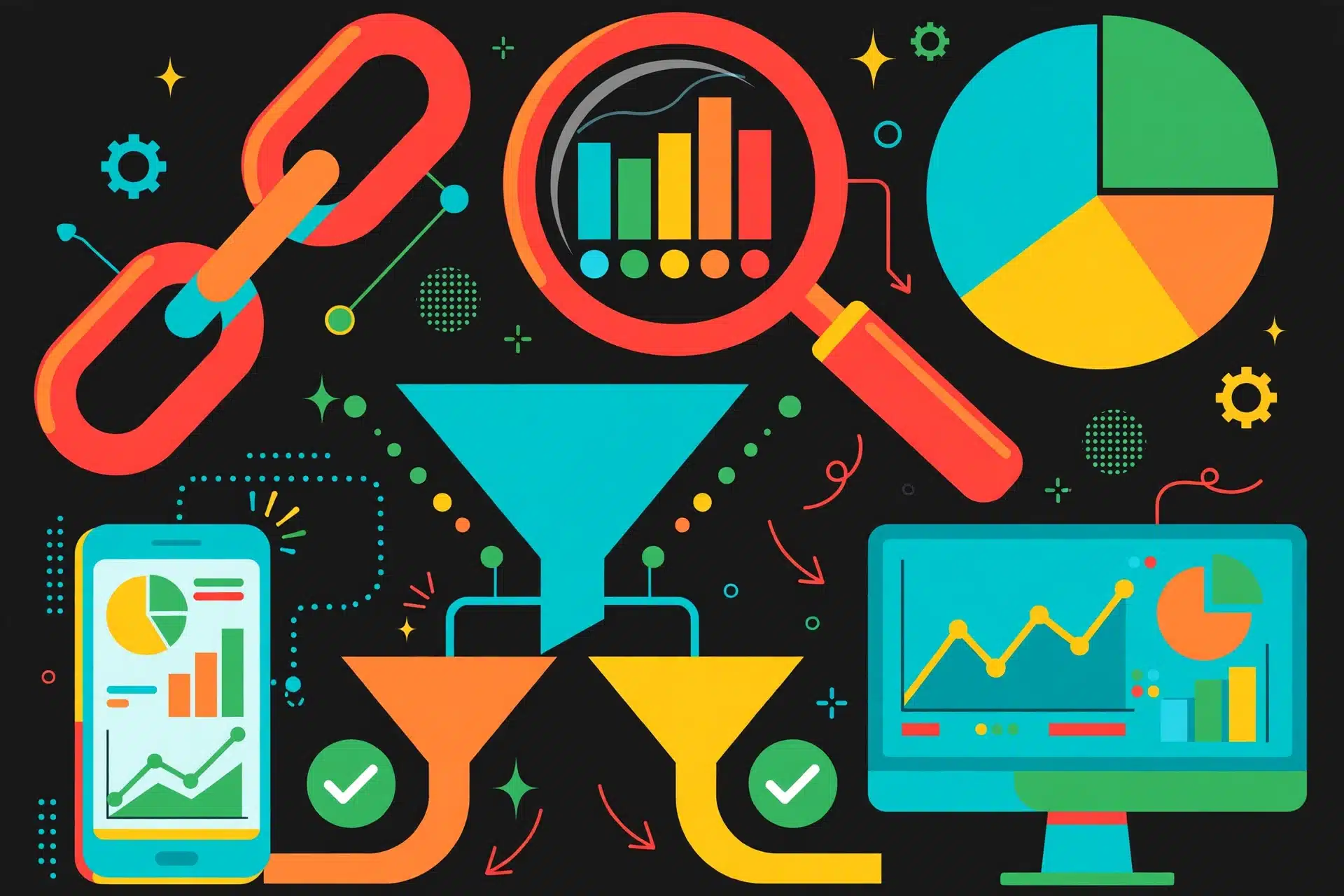
1. Trackers
Record every click, attach a click ID, split traffic between pages and offers, and receive postbacks when conversions happen. This is the core of paid-traffic affiliate marketing.
2. Link Tools
Shorten, brand, organise and redirect links. Swap a dead offer link in one place instead of editing twenty posts, and keep parameters intact so tracking still works.
3. Analytics
Turn clicks and conversions into decisions: which source, creative, geo and device makes money — and which quietly loses it. Your tracker reports; analytics helps you think.
4. Landing Page & Test Tools
Build pages and split-test headlines, angles and offers. A tracker can rotate pages, but you still need pages worth rotating.
5. Bot & Fraud Filters
Flag junk clicks before they eat your budget and pollute your data. Optional on day one, essential when you buy traffic at volume.
6. Automation & Funnels
Rules that pause losers, scale winners and move leads through follow-up. This is where platforms like Scale.gg sit — see our Scale.gg review for how we rated it for marketers.
Comparison table: tool categories side by side
Use this table to decide what to buy, what to use free, and what to skip for now.
| Category | What it does | Example in this guide | Need it when? | What happens without it |
|---|---|---|---|---|
| Tracker | Click tracking, click IDs, rotations, postback reporting | RedTrack | Day one for paid traffic; early for media buying tests | You see conversions but not which ad or page caused them |
| Link manager | Branded links, redirects, link swaps, parameter templates | Built-in tracker links + your site redirects | As soon as you publish more than a few links | Broken and outdated links scattered across posts and ads |
| Web analytics | Sessions, content performance, traffic sources on your own pages | Your site analytics + tracker reports together | When you run content, SEO or a blog funnel | You can’t tell which articles assist conversions |
| Landing page / split testing | Page building, A/B tests, rotations | Tracker rotations + your page builder | When one offer gets steady clicks | You’re guessing which angle works instead of testing it |
| Bot filtering | Detects invalid, duplicate and automated clicks | Tracker-level filtering features | When junk clicks become visible in spend | You pay for clicks that could never convert |
| CPA / affiliate network | Supplies offers, tracks conversions on its side, pays you | MaxBounty, ClickBank | Always — this is where offers and payouts live | No offers, no advertiser, no payout |
| Automation / funnel platform | Follow-up, funnels, rules and scaling workflows | Scale.gg (review linked) | After a winning offer, not before | Manual follow-up that doesn’t scale — but no loss at beginner stage |
Trackers: why RedTrack gets the headline spot
A tracker sits between your ad and the offer. Someone clicks, the tracker logs the click with source, device, geo and cost data, gives that click an ID, and sends the visitor onward. When the network later confirms a conversion, it fires a postback back to the tracker with that same click ID. Now cost and revenue meet in one report.
RedTrack is built for exactly that job: campaign tracking, traffic-source templates, postback setup, reporting by the dimensions media buyers actually use, and automation features as volume grows. If you want the feature-by-feature breakdown, screenshots and pricing walk-through, read our dedicated RedTrack review next — this guide keeps RedTrack in its proper place: one essential tool in a stack, not magic on its own.
What to set up first in any tracker
- Your traffic source (with its cost parameters)
- Your landing page and offer as separate elements
- The network postback — tested with a real click ID
- Timezone matched to your network dashboard
- One campaign, end to end, before you build ten
The beginner mistake
Skipping the postback test. If the postback is wrong, conversions show in the network but never in your tracker, and you’ll kill campaigns that were actually making money. Test one conversion path fully — our companion guide, How CPA Affiliate Networks Work, walks through how networks record that conversion on their side.
Try RedTrack With Code 09818fe6b58f301726a4-forRT →
Link tools: small tools, expensive mistakes prevented
Your affiliate link is your cash register. Link tools do three unglamorous jobs that save real money:
- Redirect control: swap the destination when an offer pauses, without hunting down every post, pin and ad.
- Parameter discipline: append the same sub-IDs every time, so clicks from a review, a video and an email don’t blur into one mystery bucket.
- Link health: spot dead, geo-blocked or mistyped links before your audience does.
On content sites, your sub-IDs are how you learn which page earns. On paid campaigns, your tracker link is your link tool — never paste a raw network link into an ad and expect useful data back.
Analytics: read fewer numbers, make better calls
You don’t need forty metrics. For most affiliates, these numbers run the business:
EPC
Earnings per click. Revenue divided by clicks. The fastest way to compare offers and traffic sources fairly.
Conversion Rate
Conversions divided by clicks. Low CR with good traffic usually means the page or offer — not the ad — is the problem.
ROI / ROAS
Profit against spend. Track it per campaign, never just as one blended account number that hides losers.
CTR
Click-through rate on ads and pages. A creative problem shows up here before it shows up in revenue.
Payout Variance
The gap between tracker and network numbers. Small gaps are normal; growing gaps mean a postback or attribution problem.
Time to First Data
How fast postbacks land. Real-time data lets you pause a bad test today instead of funding it all week.
Networks are software too: MaxBounty & ClickBank
Your network dashboard is part of your stack — it’s where offers, payout rates, caps and payment schedules live. Two networks show up again and again on this site:
MaxBounty — CPA offers
A CPA network where you earn a flat payout per lead, trial or action. Its dashboard gives you offer terms and conversion reporting; your tracker gives you the campaign-level truth underneath it. Read our MaxBounty review for approval tips and payout details.
Apply to MaxBounty →ClickBank — digital products
A long-running marketplace for digital products, where earnings are usually a percentage of a sale rather than a flat CPA. Its stats work differently from a CPA network, which is exactly why a tracker matters when you promote from multiple channels.
Visit ClickBank →How tracking connects to network payouts
This is the section most “software list” articles skip — and it’s the whole point. Follow one conversion from click to money:
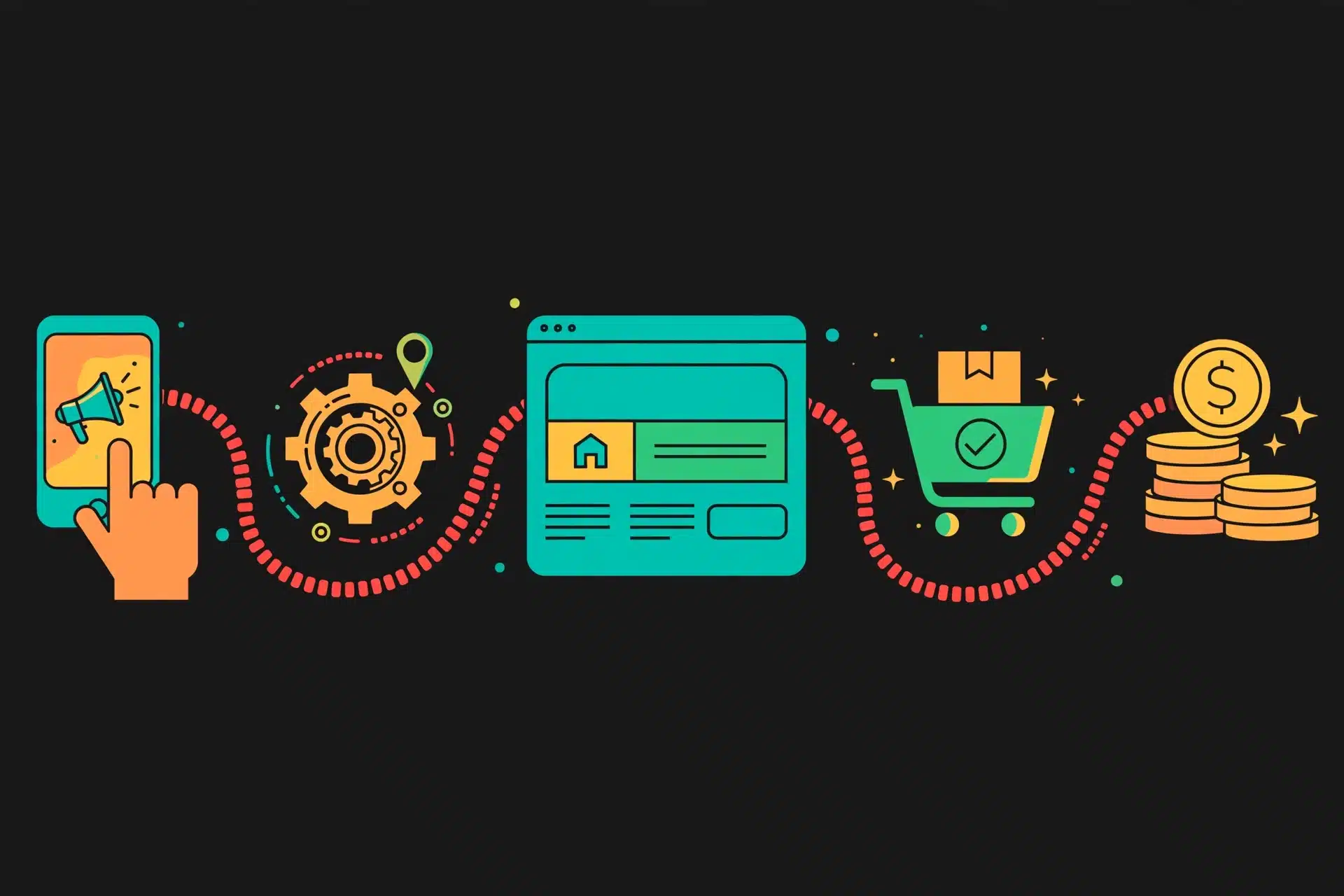
Visitor clicks your ad or link. Tracker logs it and assigns a click ID.
Tracker sends them to your page or straight to the offer, carrying that ID forward.
They complete the action — lead, trial or sale — on the advertiser’s side.
Network tells your tracker: this click ID converted, for this payout.
Network approves the conversion, adds it to your balance, and pays on its schedule once you clear its terms.
Key point: your tracker does not pay you — the network does. Your tracker is the evidence and the steering wheel. It proves which campaign earned the conversion, flags when network numbers drift, and tells you where the next dollar of spend should go. If a conversion is rejected by the advertiser, it can be reversed in the network even though your tracker recorded it — another reason to reconcile both dashboards weekly. For the network side of this story, read How CPA Affiliate Networks Work.
Starter stack vs pro stack
Tap a stack to compare. The starter stack is not a “worse” stack — it’s the right stack until volume proves you need more.

Build this first
- One tracker: RedTrack on the smallest plan that fits your clicks
- One network focus: e.g. MaxBounty for CPA or ClickBank for digital products
- Network dashboard + spreadsheet: weekly reconciliation, by hand
- Simple link discipline: consistent sub-IDs on every link you publish
- Site analytics: if you run content, watch which pages assist clicks
Starter rule
Total tool cost should stay a small slice of test budget. If software costs more than the traffic you’re testing, you’re buying dashboards instead of data. Upgrade when a manual task — reporting, pausing losers, checking links — starts eating hours every week.
Add when scaling
- Tracker, higher tier: more events, team seats, automation rules
- Bot & fraud filtering: protect bigger buys from junk clicks
- Multiple networks: same offer tested across networks for payout and approval rates
- Automation / funnel platform: follow-up and scaling systems — see the Scale.gg review
- Custom reporting: profit by source, geo, device and creative in one view
Pro rule
Every new tool must replace a proven bottleneck: slow data, manual pausing, unfiltered traffic, or follow-up you can’t keep up with. If it doesn’t fix a measured problem, it’s a subscription looking for a reason to exist.
Using a full software stack: pros & cons
Pros
- You see profit per campaign, ad and page — not just totals
- Postbacks give near-real-time conversion data
- Link control means one fix updates everywhere a redirect is used
- Split testing replaces opinions with evidence
- Clean data makes network conversations (caps, payout bumps) easier
Cons
- Subscriptions stack up fast if you buy before you need
- Setup errors (especially postbacks) create false data
- Tracker and network numbers will never match 100% of the time
- More tools means more dashboards to reconcile
- No tool fixes a weak offer or a page that doesn’t convert
Our recommended starting move
Pick one network, pick RedTrack as your tracker, connect the postback, and run one campaign end to end. That single working loop teaches you more than a month of comparing feature lists.
Start With RedTrack → Apply to MaxBounty →
RedTrack code: 09818fe6b58f301726a4-forRT — enter it exactly as shown; no discount percentage is promised here.
Frequently asked questions
Do I need a tracker if my network already shows stats?
Yes, if you buy traffic or run more than one offer. Network stats show conversions; a tracker shows which ad, placement and landing page produced each one, in real time, before the postback even arrives.
What is a postback and why does it matter for payouts?
A postback is a server-to-server message from the network to your tracker when a conversion happens. It carries the click ID and payout value, matching revenue to the exact click that earned it. The network still pays you — the postback is how your tracker proves and organises it.
What software should a beginner start with?
One tracker, your network dashboard, a simple analytics view, and disciplined link naming. That’s the starter stack above. Add automation and fraud tools only when volume demands it.
Is RedTrack good for beginners or only for pros?
Both. Beginners use campaign tracking and postback reporting; higher-volume affiliates lean on automation and deeper reporting. Start on the smallest plan that fits your click volume and grow into it.
How do link tools help affiliate marketing?
They keep links organised and redirect-safe, let you swap a destination without editing every post, and preserve the parameters your tracker and analytics need to attribute results.
Why do tracker and network numbers sometimes differ?
Usually timezones, attribution windows, rejected or duplicate conversions, missed postbacks, or bot filtering differences. Reconcile by click ID first — that’s where the truth is.
Sources
- RedTrack — official site and product documentation for tracker features, postbacks and campaign reporting: redtrack.io. See also our RedTrack review.
- MaxBounty — official network site for CPA offer and publisher information: maxbounty.com. See also our MaxBounty review.
- ClickBank — official marketplace site for digital-product affiliate information: clickbank.com.
- Federal Trade Commission — endorsement and disclosure guidance for affiliate and influencer marketing: ftc.gov.
- The Affiliate Hustle — companion guide on network mechanics, approvals and payouts: How CPA Affiliate Networks Work.
More From The Affiliate Hustle
- How CPA Affiliate Networks Work
- Best Affiliate Networks for Beginners
- MaxBounty Review (2026): The CPA Network With the Highest-Converting Offers
- RedTrack Review (2026): The Ad Tracker You Must Have to Know What’s Converting
- MaxBounty vs ClickBank Compared (2026): Payouts, Approval, Offers & Which Pays More
- Scale.gg vs GoHighLevel Compared (2026): Agent-Native Apps vs the Agency CRM






Leave a Reply