
Joining Digistore24 takes about ten minutes — most of it is filling in your tax and payout details correctly the first time, so your first commission is not held up later. This guide walks through the whole process in order: creating the account, choosing the right account type, adding your payout details, finding your first promolink, and the three mistakes that delay new affiliates’ first payments. No prior experience is assumed, and every step tells you exactly what to click.

If you’ve already decided Digistore24 is worth joining — our Digistore24 legitimacy check is the place to confirm that first — this is the practical half: the clicks, in order, with nothing assumed. If you haven’t, start there; the rest of this guide will still be here when you come back.
01Before you start: what you’ll need
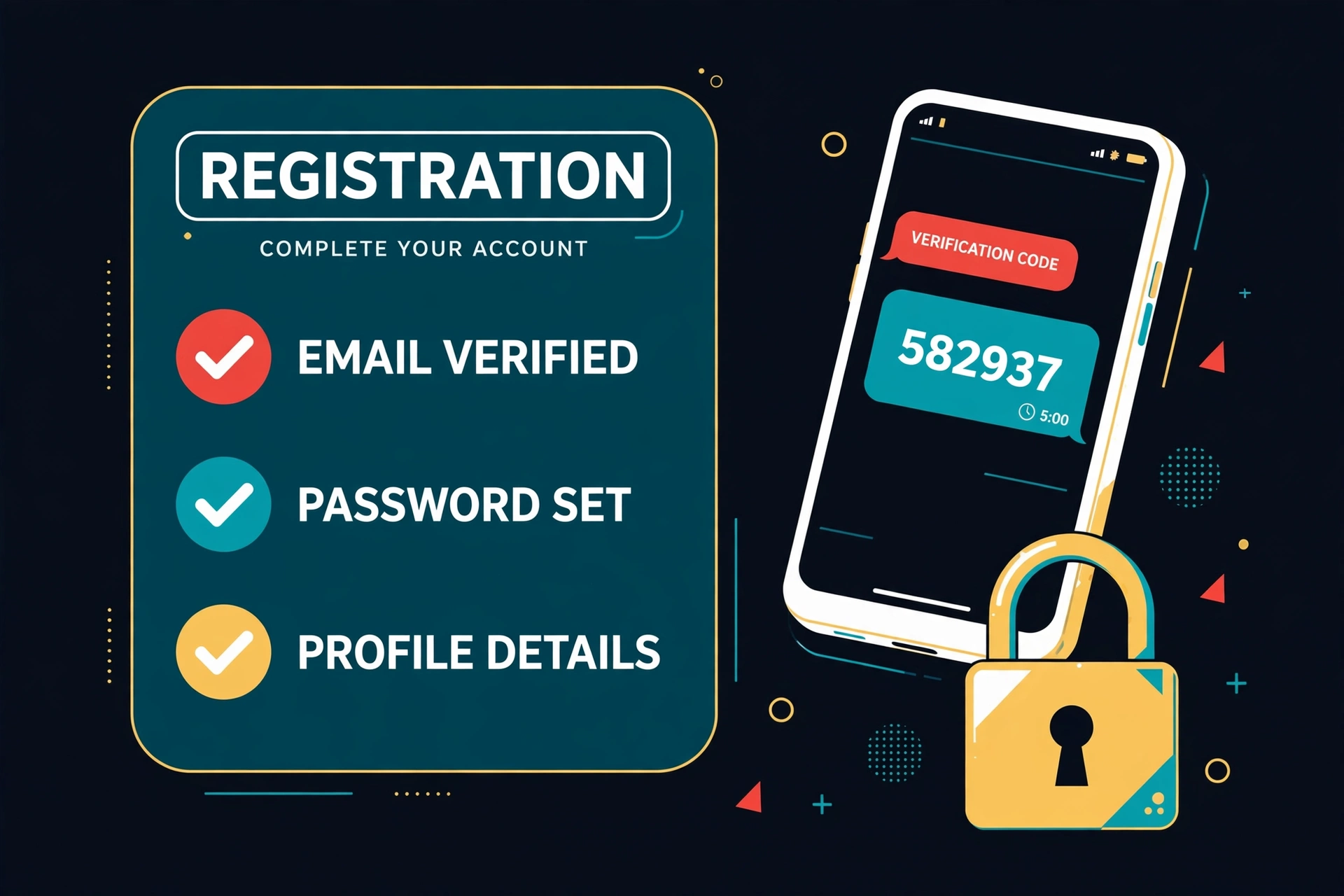
Digistore24 asks for more than an email address, because it pays you as a business, not as a casual user. Have these ready and the whole process runs in one sitting:
Your signup checklist
- An email address you actually check — account confirmations, payout notices and vendor messages all go here.
- Your legal name and address — exactly as they appear on your ID or tax documents, not a brand name.
- A payout method — PayPal or a bank account (SEPA in Europe, wire elsewhere). You can add this after signup, but payouts cannot be released until it is complete.
- Your tax details — a VAT ID if you have one, or your tax number / Social Security Number equivalent, depending on your country. Digistore24 pays businesses and sole traders, so this is not optional.
One decision to make before you click anything: will you join as an individual or as a business? That choice is the next section, and it affects what tax paperwork Digistore24 asks for — so read it before you fill in the form, not after.
02Step 1 — Create your account
Open the signup page
Use the button below — it opens Digistore24’s official signup page, with our referral attached so the platform knows where you came from. It costs you nothing extra and changes nothing about your account.
Fill in your details
Enter your first name, last name and email address, and choose a password. Use the email address from your checklist — Digistore24 will send a confirmation link there, and you cannot complete the account without it.
Confirm your email
Open the confirmation email and click the link inside. If it has not arrived in a few minutes, check your spam or promotions folder, then use the resend option on the signup page. Until you confirm, the account is not active and you cannot access the marketplace.
Log in and complete your profile
Sign in with your new credentials. Digistore24 will ask you to complete your profile — address, phone number and, depending on your country, identity details. Fill these in with your legal details, not a nickname: they must match your payout and tax records later, and mismatches are the most common reason payouts get held.
03Step 2 — Choose the right account type

Digistore24 offers two account paths, and the difference is tax treatment, not features. Both can promote the same offers and earn the same commissions.
| Account type | Who it fits | What Digistore24 asks for |
|---|---|---|
| Individual / sole trader | Most new affiliates — you promote in your own name and report the income personally. | Your legal name, address and personal tax number. |
| Business / company | Affiliates with a registered company, LLC or equivalent, who want income paid to the business. | Company name, registration details and a VAT ID where applicable. |
If you are unsure, start as an individual / sole trader — it is the path most affiliates take first, and it does not lock you out of later changing your details with Digistore24 support if you incorporate. What matters is that the name on the account matches the name on your payout account and your tax records. A mismatch there — a brand name on the account, a personal name on the bank account — is a payout hold waiting to happen.
Digistore24 serves affiliates in 180+ countries, but tax paperwork varies by country. Its help center notes that payouts go to businesses and sole traders, and that you will need the tax identifier your country uses. If your country does not issue a VAT ID, enter the local equivalent Digistore24’s form asks for — and if the form rejects it, contact Digistore24 support before you try to work around it, because a wrong tax entry is harder to fix after a payout is due.
04Step 3 — Add your payout and tax details
Go to Account → Payment details
In your Digistore24 dashboard, open your account settings and find the payment section. You will see fields for your payout method and your tax information — the two things that must be complete before any money can be released.
Choose PayPal or bank transfer
Select PayPal if you want the simplest setup, or bank transfer / SEPA if you prefer money straight to your account. Enter the details exactly as they appear on the account — for PayPal, the email address on the PayPal account; for bank transfer, the account holder name, IBAN or account number and bank details, exactly as your bank shows them.
Enter your tax details
Add your VAT ID or tax number in the tax section, matching the account type you chose in Step 2. This is the step most new affiliates skip, because it feels like paperwork — but Digistore24 will not release payouts to an account with incomplete tax details, and it is far easier to complete now than to chase after your first sale.
Save and check the payout schedule
Save the settings, then check the payout information shown in your account. Digistore24’s own pages are not fully consistent here — its help center lists four payout dates a month (the 7th, 14th, 21st and 28th) with minimums, while its newer features pages advertise payouts up to three times a week with no minimum — so the schedule inside your own account is the version that applies to you. Either way, the security split is consistent: 90% of each commission is released after 14 days, and the remaining 10% after 60 days, held back against refunds and chargebacks.
Do not skip this step. An account with no payout method is an account that can earn commissions it cannot collect. Set it up on day one, even if you have not promoted anything yet — your future self, staring at a first sale, will be glad you did.
05Step 4 — Find your first promolink

Open the marketplace
In your Digistore24 dashboard, go to the marketplace (sometimes labelled Affiliate → Marketplace, depending on your dashboard version). Use the search and filters to find products in a niche you actually understand — health, finance, software, relationships, hobbies — and check the product page before you promote anything: the sales page, the price, the commission rate and the refund period are all shown there.
Click “Promote now” on the product
On the product’s page, look for the promotion button — usually labelled “Promote now” or similar. Clicking it generates your promolink for that specific product. Some products are open to every affiliate instantly; others require the vendor’s approval first, in which case you will see a request option instead. If approval is required, send a short, honest request explaining your traffic source — the same advice as for any network’s approval process.
Copy your promolink — and check it
Your promolink will look like a Digistore24 URL with your affiliate ID in it. Copy it exactly, paste it into a private browser window, and confirm it lands on the right product page. That thirty-second check catches the most embarrassing beginner error: promoting a homepage link, or a link with a typo, that tracks nothing.
Place it where your audience already is
Put the promolink in a review, a tutorial, an email or a video description — somewhere it helps someone who was already looking for that product. Do not spam it in comments, groups or direct messages: Digistore24 and its vendors both monitor for spam traffic, and a banned account is a much worse outcome than a slow start.
Your account is the hard part — the link is the reward
Once your payout details are in, the promolink is one click away. Open the signup page and work through the steps above in order.
Join Digistore24 Free →06Three mistakes that delay your first payment
1. Skipping the payout and tax details
The most common delay, by far. Affiliates earn their first commission, then discover payouts cannot be released until tax details are complete — and then scramble to find a VAT ID or tax number while the money sits. Complete Step 3 on day one, before you promote anything.
2. Promoting before you check the product
Digistore24’s marketplace is vetted, but “vetted” does not mean “right for your audience.” A product with a weak sales page, a high refund rate or a commission structure you did not read will cost you traffic and credibility. Check the product page, the refund period and the commission rate before you attach your name to it — the same discipline as in our Digistore24 vs ClickBank comparison, where offer quality decided the score.
3. Using a generic link instead of a promolink
A link to Digistore24’s homepage, or to a product page without your affiliate ID, tracks nothing and pays nothing. Always copy the promolink from the product’s promotion button, and always test it in a private window before you publish it. That check takes thirty seconds and saves you from promoting for free.
07Frequently asked questions
Is it free to join Digistore24 as an affiliate?
Yes. Joining Digistore24 as an affiliate is free — no signup fee and no monthly fees. Most offers in the marketplace are open to promote right away, though some vendors approve affiliates per product. You will need to add your tax and payout details before payouts can be released, but there is no charge to create or hold the account.
Do I need a website to join Digistore24?
No — unlike some CPA networks, Digistore24 does not interview you or require a website to join. You can promote through a blog, a YouTube channel, an email list, social media or paid traffic. What matters is that your promotion follows Digistore24’s terms and the vendor’s terms: no spam, no misleading claims, and no incentivized traffic unless the offer explicitly allows it.
How long does Digistore24 approval take?
For the account itself, there is no approval wait in the way a vetted network has one: confirm your email, complete your profile and you can access the marketplace the same day. Individual products are a different matter — some vendors approve affiliates per product, and those requests can take hours or days depending on the vendor. If a product you want requires approval, send a short request explaining your traffic source while you promote open offers in the meantime.
Where do I find my Digistore24 promolink?
In the marketplace, on the product’s page, via the “Promote now” button. Clicking it generates a promolink for that specific product, containing your affiliate ID. Copy it exactly and test it in a private browser window before you publish it — a homepage link, or a link with a typo, tracks nothing. Your promolink is product-specific: a new product means a new promolink.
How do Digistore24 payouts work?
Payouts are automatic, via PayPal, bank transfer/SEPA or international wire, in 14 currencies. Commissions are released in two parts — 90% after 14 days and the remaining 10% after 60 days — as a security hold against refunds and chargebacks. One honest wrinkle, also noted in our legitimacy check: Digistore24’s own pages disagree on frequency and minimums. Its help center lists four payout dates a month (the 7th, 14th, 21st and 28th) with minimums, while its newer features pages advertise payouts up to three times a week with no minimum. Check the payout settings inside your own account to see which terms apply to you.
What is the Digistore24 cookie length?
The standard Digistore24 cookie lasts 180 days — if someone clicks your promolink and buys within six months, you earn the commission. Digistore24’s help center says cookies can run up to 365 days in the US. Tracking is also server-to-server by default, which keeps attribution working even when a browser blocks or deletes cookies.
Can I promote Digistore24 products without a website?
Yes. You can promote through social media, video, email or paid traffic, as long as you follow Digistore24’s terms and the vendor’s terms for the product. A website helps — it gives you a place to write the reviews and tutorials that convert best — but it is not a requirement to join or to get your first promolink.
Ten minutes from now, you could have your first promolink
Open the signup page, work through the four steps above in order, and set your payout details on day one — not after your first sale.
Join Digistore24 Free →08Sources
- Digistore24 — Signup and account creation: digistore24.com/signup
- Digistore24 Help Center — Creating an account and account types: help.digistore24.com
- Digistore24 Help Center — Payout: Set dates and thresholds: help.digistore24.com
- Digistore24 Help Center — Your most important questions regarding your payouts: help.digistore24.com
- Digistore24 — Marketplace and promolink documentation: digistore24.com
- The Affiliate Hustle — Is Digistore24 Legit or a Scam? (2026): affiliatehustle.org/is-digistore24-legit
- The Affiliate Hustle — Digistore24 vs ClickBank Compared (2026): affiliatehustle.org/digistore24-vs-clickbank-compared
More From The Affiliate Hustle
- MaxBounty vs CPAGrip Compared (2026): Approval, Payouts & Which Network Pays More
- Is Digistore24 Legit or a Scam? (2026): What Affiliates Need to Know Before Joining
- Digistore24 vs ClickBank Compared (2026): Commissions, Cookies, Payouts & Which Pays More
- Chime Review 2026: No-Fee Checking, Get Paid Up to 2 Days Early, SpotMe & Up to 4.00% APY Savings
- PA Online Casino Bonus Rules Explained
- Scale.gg Review for Marketers: 29 Apps, Funnels, Email & Agency Workflows Tested
- How to Get Approved by CPA Networks
- Best Online Casinos in Pennsylvania
- DraftKings vs FanDuel Casino PA (2026): Games, App, Payouts & Player Experience Compared
- Affiliate Marketing Software Guide
- Best Affiliate Networks for Beginners
- How CPA Affiliate Networks Work
- Scale.gg vs GoHighLevel Compared (2026): Agent-Native Apps vs the Agency CRM
- MaxBounty vs ClickBank Compared (2026): Payouts, Approval, Offers & Which Pays More
- The 7-Login Audit: How Solo Marketers Lose Their Best Work Hours Before 9 AM – Affiliate Hustle
- Scale.gg Review (2026): The Agent-Native All-in-One With 29 Apps — Full Breakdown
- MaxBounty Review (2026): The CPA Network With the Highest-Converting Offers
- RedTrack Review (2026): The Ad Tracker You Must Have to Know What’s Converting
- DraftKings Casino in Pennsylvania: How the 1,000 Spins Offer Actually Works (2026 Guide)
- Golden Nugget Casino in Pennsylvania: The Classic Casino Brand, Online (2026 Guide)
- Best Online Casino Promotion in PA (2026): DraftKings vs FanDuel — Best Casino Offer Compared






Leave a Reply